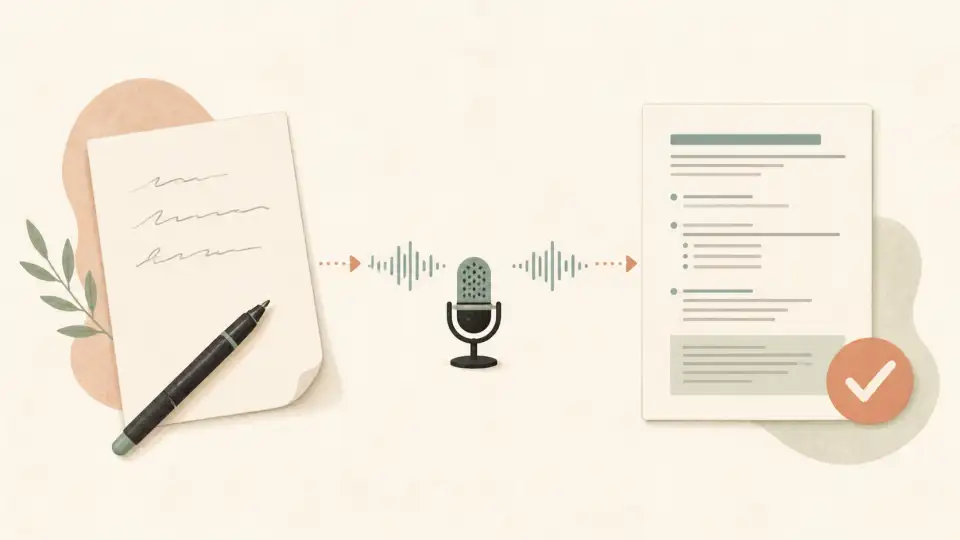
Kannada is an ancient linguistic treasure, carrying thousands of years of literature. Yet, navigating its beautiful but complex script—especially the intricate Ottakshara (subscript consonants)—on a digital screen can intimidate even native speakers.
Fortunately, by 2026, writing Kannada online has hit a renaissance. The agonizing days of hunting and pecking on a localized keyboard layout are over. Today, phonetic typing ("Kanglish") combined with AI grammar-checking has democratized Kannada content creation.
In this master guide, aimed at students in Karnataka and the global Kannada diaspora, we will unpack how to setup Kannada on any device, convert Kanglish properly, and use tools to polish your formal writing.
What You Will Learn:
1. Device Setup: How to Type Kannada Easily
To write efficiently, you must enable native OS transliteration. This allows your device to turn English keystrokes into native Kannada instantly.
On Windows 11 & 10
- Open Settings > Navigate to Time & Language.
- Go to Language & region. Click Add a language, and search for "Kannada".
- Once the Kannada pack is installed, click Options on it.
- Under Keyboards, click Add a keyboard and select the "Kannada Phonetic" option.
- Toggle languages anytime via the
Windows Key + Spacebarshortcut.
On macOS
- Launch System Settings > go to Keyboard.
- In the "Text Input" section, click Edit.
- Click the + icon at the bottom left, search for Kannada, and select "Kannada - Transliteration".
On Android Phones
Download and install Gboard (Google Keyboard). Add Kannada in the language settings and select the "abc -> ಕನ್ನಡ" layout. This layout provides exceptional predictive text.
2. The Kanglish Revolution: How Transliteration Works
"Kanglish" (Kannada + English) is typing Kannada phonetically using the Latin alphabet.
- You Type: hesaru
- The Output: ಹೆಸರು (Name)
If you type "Bhakthi", generic tools may guess the wrong 'bha' or fail to generate the correct Ottakshara below the 'kti'. For formal writing, simple transliteration is error-prone. You need an engine that understands Kannada sentence context to correct phonetic typos retroactively.
3. Crucial Grammar Rules for Students & Professionals
If you are taking exams, applying for jobs in Karnataka, or writing official letters to government portals, spoken Kannada will not suffice.
Dialect vs. Dictionary (Vyakarana)
Spoken Kannada varies wildly by region (Bangalore, Mysore, Hubli-Dharwad, Mangalore). Written Kannada must be standardized.
The Importance of Anusvara (the 'Zero' or Point)
The small circle (ಂ) can change the fundamental meaning of a word. When phonetic typing, missing the Anusvara is the #1 reason students lose marks online. Using an Online Kannada Grammar Checker ensures that these tiny, yet critical, symbols are not accidentally omitted during rushed typing.
4. Tips for the Global Kannada Diaspora & NRIs
For Kannadigas living in the US, UK, or the Gulf, practicing the language digitally keeps the culture alive.
- Start A Blog: Don't let your vocabulary rust. Use transliteration tools to write small updates about your life abroad in Kannada. The AI tools will correct your grammar safely before you publish.
- Teaching Kids: Use device tablets. The iPad supports Kannada native input. Having children use the transliteration predictive text helps them learn the Kannada alphabet naturally.
5. The Ultimate Kannada Writing Toolkit
Writing should focus on the prose, not the agonizing technicalities of character encoding. That is why we built the Sariya Kannada Toolkit.
Smart Grammar Checker
Instantly flag Anusvara omissions, Ottakshara errors, and regional dialect slang that shouldn't be in formal essays.
Sentence Rewriter
Draft in poor Kanglish; let the AI rewrite it into beautiful, professional, standardized Kannada.
Frequently Asked Questions
Frequently Asked Questions
How do I type Kannada on a Windows PC?
Go to Windows Settings > Time & Language > Add a language > search 'Kannada'. After adding, go to Language Options and add the 'Kannada Phonetic' keyboard. This allows you to type in Kanglish and get Kannada text automatically.
Is Kanglish to Kannada exact?
Phonetic transliteration (Kanglish) works 95% of the time, but struggles with specific Kannada Ottakshara (conjuncts) unless the transliterator has AI context awareness. For example, typing 'bhagya' vs 'baagya'.
Can I use Google Translate for official Kannada letters?
Google Translate is great for basic vocabulary but lacks the formal 'Vyakarana' (grammar) structure needed for official correspondence in Karnataka. Use a dedicated online Kannada grammar checker instead.
How do I type Kannada on my iPhone?
iOS has native support for Kannada transliteration. Go to Settings > General > Keyboards > Add New Keyboard > select Kannada, then choose the 'Transliteration' option.
What is an Ottakshara and how do I type it online?
Ottakshara are subscript consonants attached below a primary letter. In most phonetic keyboards, typing the two English consonants together (like 'rm' in 'karma' -> കർമ്മ/ಕರ್ಮ) will automatically generate the Ottakshara.
Master Written Kannada Today
Preserve the purity of the language without the headache of manual typing. Let Sariya's intelligent layer catch your formatting errors.