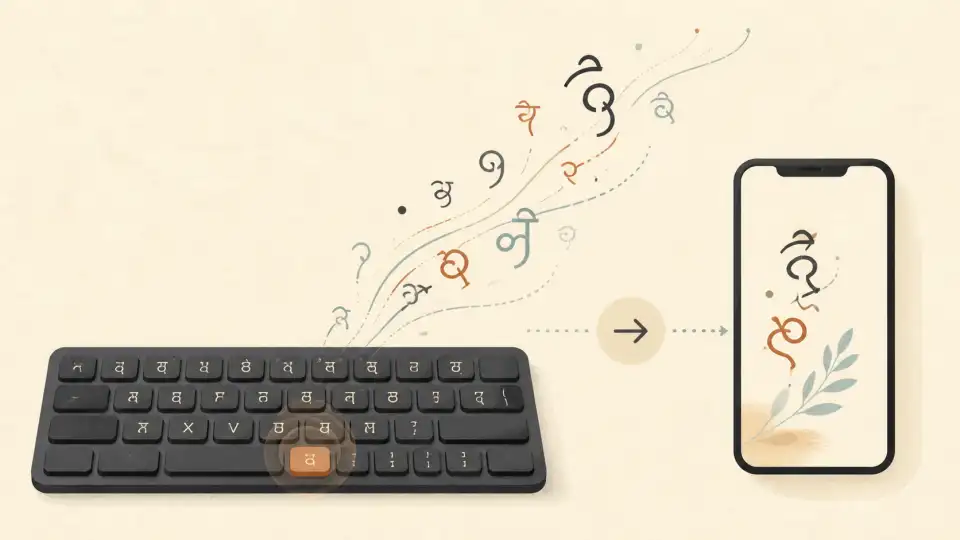
Kannada writing on digital platforms has traditionally been a challenge for many people in Karnataka. From installing complex drivers like Nudi to memorizing typewriter layouts, the barriers were high. But today, kannada typing online has become radically simple thanks to AI and transliteration.
In 2026, you don't need to be a professional typist to send a beautiful message in Kannada script. Whether you're a student, an office professional, or someone who loves writing Kannada poetry, this guide covers every tool you need to master digital Kannada writing.
Why Kannada Typing Online is Easier Than Installing Software
In the past, to type in Kannada, you had to install specific software like Baraha or Nudi. While powerful, these tools often had compatibility issues with modern apps like WhatsApp or Instagram.
Modern easy kannada typing tools are web-based. They use "transliteration," meaning you type using English letters based on how the word sounds, and the tool converts it to the beautiful Kannada script instantly. This works on any device—be it a Windows PC, a Mac, or a smartphone—without any installation.
Methods of Kannada Typing: Transliteration vs Phonetic vs Voice
Which method is right for you? Let's break down the three most popular digital inputs for Kannada:
- Transliteration (The Favorite): You type "Namaskara" and you get "ನಮಸ್ಕಾರ". This is the fastest way for 90% of users.
- Phonetic (For Professionals): Mapping specific English keys to specific Kannada sounds. Good once you build muscle memory.
- Voice Typing: Perfect for long articles. You speak, and the AI writes.
ಕನ್ನಡದಲ್ಲಿ ടൈപ്പ് ചെയ്യാം!
Sariya's Kannada typing tool is optimized for the latest Unicode standards. No errors, no font breaks—just perfect Kannada text.
Step-by-Step: How to Type in Kannada Using Sariya
Using Sariya's easy kannada typing online tool is intuitive:
- Visit the Sariya Kannada tool page.
- Ensure the "Phonetic" or "Transliteration" mode is selected.
- Type your Kannada word in English script (e.g., "Kalyana" for "ಕಲ್ಯಾಣ").
- Watch as the tool suggests the correct conjuncts and sandhi rules.
- Copy the resulting text and use it anywhere!
Kannada Typing for WhatsApp, Social Media, and Professional Use
For social media, speed is key. Most users prefer kannada typing online free tools because they can quickly toggle between Kannada and English. For professional work, however, using the "Kannada Grammar Checker" after typing is highly recommended to ensure your formal letters are error-free.
Nudi vs. Modern Online Kannada Typing Tools
While Nudi is still used in many government offices, online tools have several advantages:
| Feature | Nudi Software | Sariya Online |
|---|---|---|
| Installation | Required | Zero (Browser based) |
| Mobile Support | Poor | Excellent (Android/iOS) |
| AI Assistance | None | Context-aware suggestions |
Frequently Asked Questions (FAQ)
Does Sariya work without internet?
Sariya is a web-app, so you need a connection to access the latest AI features. However, once loaded, it is incredibly data-efficient.
Is the output compatible with MS Word?
Yes, Sariya outputs Unicode text which is the industry standard for MS Word, Google Docs, and all modern websites.
Conclusion
Language shouldn't be a hurdle in the digital era. With kannada typing online, every Kannadiga can now represent their heritage with pride online. Sariya is honored to be your companion in this journey.
Ready to type your first word? Head over to Sariya's Kannada Toolroom and experience the ease of AI writing!