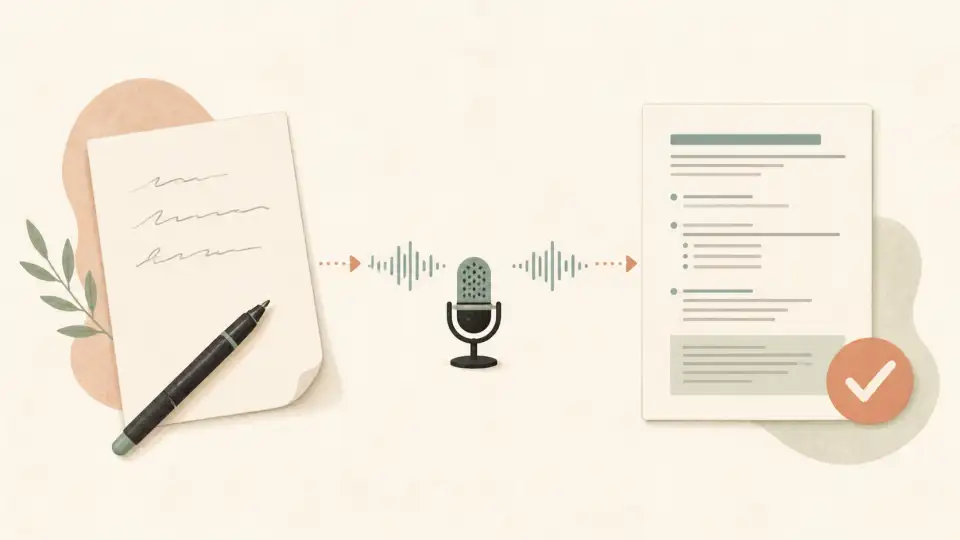
Typing Kannada has traditionally been challenging due to its complex script with unique characters and conjuncts. But what if you could skip the keyboard entirely and just speak?Kannada voice typing makes this possible — speak naturally in Kannada and watch your words appear in Kannada script instantly. In this complete guide, we'll show you how to type Kannada by speaking online.
What is Kannada Voice Typing?
Kannada voice typing is a speech-to-text technology that converts spoken Kannada into written Kannada text (ಕನ್ನಡ). Using advanced AI and speech recognition algorithms, these tools listen to your Kannada speech and transcribe it into Kannada script in real time.
This technology has matured significantly by 2026, offering high accuracy for standard Kannada speech and even handling various dialectal variations across Karnataka.
Why Use Kannada Voice Typing?
There are many benefits to using voice typing for Kannada:
- Speed: Speaking is 3-4x faster than typing, especially for Kannada's complex script
- No keyboard to learn: Skip the Kannada keyboard layout entirely
- Natural input: Speak as you normally would — no transliteration rules to memorize
- Accessibility: Great for users with physical limitations or RSI
- Productivity: Draft documents, emails, and content faster
- Natural flow: Speaking allows thoughts to flow more freely than typing
Best Kannada Voice Typing Tools in 2026
1. Sariya Kannada Voice Typing — Best Overall
The Sariya Kannada Typing Tool offers excellent voice typing optimized for Kannada speech. Key features include:
- High accuracy: AI models trained on extensive Kannada speech data
- Real-time conversion: See Kannada text as you speak
- No installation: Works directly in your browser
- Completely free: No sign-up, no charges, no usage limits
- Mobile friendly: Works on smartphones and tablets
- Hybrid input: Mix voice and keyboard typing seamlessly
2. Google Voice Typing (Gboard)
Google's Gboard keyboard app supports Kannada voice typing on Android and iOS devices. It's a good option for on-the-go voice typing, though it may require more corrections for complex Kannada words.
3. Google Docs Voice Typing
Google Docs offers built-in voice typing that supports Kannada. It's useful for longer documents but requires a stable internet connection and may struggle with Kannada technical terminology.
4. Windows Speech Recognition
Windows 11 includes Kannada speech recognition, though its accuracy for Kannada is lower than dedicated tools like Sariya.
How to Type Kannada by Speaking: Step-by-Step
Using Sariya Kannada Voice Typing
- Step 1: Open the Sariya Kannada Typing Tool in your browser
- Step 2: Click the microphone icon to activate voice typing
- Step 3: Allow microphone access when your browser asks
- Step 4: Start speaking in Kannada — your words appear in Kannada script
- Step 5: Use the keyboard to make any corrections
- Step 6: Copy the Kannada text and use it anywhere
Tips for Accurate Kannada Voice Typing
Follow these tips to get the best results from Kannada voice typing:
- Speak clearly: Pronounce Kannada words distinctly but naturally
- Use quality microphone: A good microphone significantly improves accuracy
- Reduce background noise: Use voice typing in a quiet environment
- Moderate pace: Speak at a comfortable, moderate speed
- Use standard Kannada: Formal/standard Kannada has better recognition than very colloquial speech
- Pause between sentences: Brief pauses help the tool identify sentence boundaries
- Review output: Always proofread the transcribed text for accuracy
Understanding Kannada Speech Recognition
Kannada presents unique challenges for speech recognition technology:
- Retroflex consonants: Kannada has distinct retroflex sounds (ಟ, ಡ, ಣ, ಳ)
- Complex conjuncts: Kannada combines multiple consonants into single characters
- Dialectal variation: Kannada has regional dialects across Karnataka (North, South, Coastal)
- Code-switching: Kannada speakers often mix Kannada and English
- Formal vs. colloquial: Written Kannada differs significantly from spoken Kannada
Modern AI tools like Sariya handle these challenges effectively, but understanding them helps you optimize your voice typing experience.
Kannada Voice Typing for Different Users
For Students
Kannada students can use voice typing for assignments, notes, and creative writing. It's particularly useful for Kannada literature students who need to write extensively in Kannada.
For Professionals
Professionals in Karnataka's government, media, and business sectors can draft emails, reports, and documents quickly using voice typing.
For Content Creators
Kannada bloggers, YouTubers, and social media creators can draft content much faster using voice typing, especially for scripts and captions.
For Elderly Users
Voice typing is ideal for elderly Kannada speakers who may not be comfortable with keyboard typing. Speaking is intuitive and requires no technical knowledge.
Kannada Voice Typing vs. Transliteration
Both are valid approaches to Kannada typing:
- Voice typing: Speak Kannada, get Kannada text. Best for fluent Kannada speakers.
- Transliteration: Type Kannada in English letters, get Kannada script. Best for those who know Kannada but prefer English keyboards.
- Sariya offers both: Use voice or transliteration — or combine them as needed.
Ready to try Kannada voice typing? Visit our Kannada typing tool and start speaking in Kannada today. For more Kannada language resources, explore ourKannada love expressions guide.
Frequently Asked Questions
How do I type Kannada by speaking?
Use a Kannada voice typing tool like Sariya Kannada Typing. Open the tool, click the microphone icon, allow microphone access, and start speaking in Kannada. Your speech will be converted to Kannada script in real-time.
Is Kannada voice typing free?
Yes! The Sariya Kannada voice typing tool is completely free to use. No sign-up required, no charges, and no usage limits.
How accurate is Kannada voice typing?
Modern Kannada voice typing tools achieve 85-95% accuracy for clear, standard Kannada speech. Accuracy depends on microphone quality, background noise, speech clarity, and whether you're using formal or colloquial Kannada.
Can I use Kannada voice typing on my phone?
Yes! The Sariya Kannada Typing Tool works on mobile browsers. You can also use Google's Gboard keyboard app, which supports Kannada voice typing on Android and iOS.
Does Kannada voice typing work with different Kannada dialects?
Most tools support standard Kannada and major dialectal variations. For best results, speaking in a more standard Kannada register produces the highest accuracy. Regional dialects may have slightly lower recognition rates.
What's the difference between Kannada voice typing and Kannada transliteration?
Voice typing converts spoken Kannada to text, while transliteration converts Kannada typed in English letters to Kannada script. Both are available on theSariya Kannada Typing Tool, and you can use them together for the best experience.