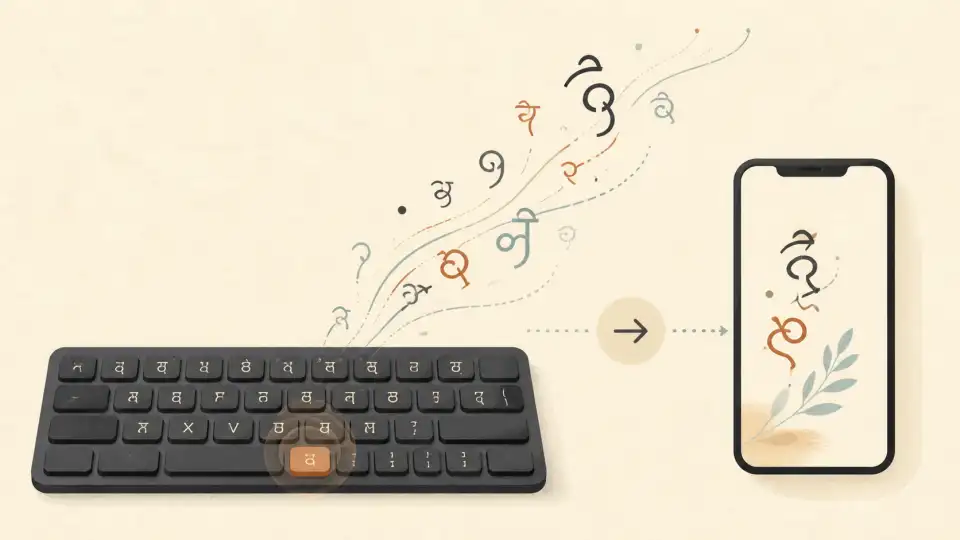
Ten years ago, receiving a formal email from a colleague in Malayalam, Tamil, or Hindi was incredibly rare. Not because people didn't know the languages, but because physically typing them on a computer was agonizing.
The traditional typing method required mastering the InScript layout, where every native consonant was randomly mapped to an English key ('k' outputs 'क', 'd' outputs 'ड'). It required specialized training that casual users lacked.
Today, regional communication in Microsoft Teams and corporate emails is ubiquitous. The catalyst? The universal adoption of Transliteration (Phonetic Typing).
Hinglish, Tanglish, and the Death of "Hunting and Pecking"
Phonetic typing mimics how Indians naturally text on WhatsApp. You type how the word sounds phonetically in English, and the operating system converts it instantly into native Devnagari or Dravidian scripts.
- Tamil (Tanglish): Typing "eppadi irukkinga" renders "எப்படி இருக்கீங்க"
- Hindi (Hinglish): Typing "kaise ho" renders "कैसे हो"
- Malayalam (Manglish): Typing "sugamano" renders "സുഖമാണോ"
This zero-friction workflow allows employees to draft complex logistical emails in their mother tongue at the exact same WPM (Words Per Minute) as English. For guides on enabling this on corporate machines, refer to our Desktop Typing Series.
The Professional Barrier: Correcting Phonetic Errors
While phonetic typing solved the input problem, it created an output problem: The Casual Trap.
Because phonetics mirror spoken language, users unknowingly type colloquial slang into formal business documents.
Furthermore, phonetic algorithms often misinterpret vowel lengths. In Telugu ("Tenglish"), typing "pelli" (Marriage) might output slightly off if the double 'll' is not algorithmically mapped to the correct Vattulu by the underlying OS.
The AI Correction Layer
To utilize the speed of phonetic typing while maintaining corporate formality, enterprises are deploying secondary AI review layers.
Tools like the Sariya Grammar suite act as a bridge. An employee types a fast, slang-heavy phonetic draft, dumps it into the checker, and the AI algorithmically upgrades the vocabulary to "Shuddh Hindi" or "Senthamizh" before it is sent to a client.
As linguistic localization becomes a primary metric for corporate outreach, mastering this phonetic-to-formal pipeline will be a prerequisite for digital professionals across India.
Frequently Asked Questions
What does phonetic typing mean?
Phonetic typing involves using a standard standard QWERTY English keyboard to spell out words based on their sound (e.g., 'Vanakkam'). The software then transliterates the sounds into the native script.
Is it professional to use phonetic typing at work?
The act of phonetic typing is standard at work, as most corporate machines do not have physical Indic keyboards. However, the final output must be grammatically formal.
Does phonetic typing cause spelling errors?
Yes, it frequently maps short vowels to long vowels incorrectly depending on user pronunciation habits. Always proofread phonetic output through an AI grammar checker before sending official emails.